In a finance product, green and red already mean something before you use them: money made and money lost. Every other use of those two colours borrows that meaning, and usually confuses it.
The short version: keep green and red for gains and losses, always pair them with a sign or a word, give rising and falling candles their own colours, and use red for one other job only: actions that can’t be undone. Everything else, from buttons to badges, gets a colour that doesn’t mean money.
I design fintech interfaces and build Viola UI, a Figma kit for finance products where these rules are set up as colour tokens. A free file with those tokens is linked at the end.
Where green and red belong
A simple test: if a user could read the colour as “I made money” or “I lost money”, it should only be green or red when that’s true.
| Element | Green or red? | Use instead |
|---|---|---|
| Gain or loss in money (+€2,433.82) | Yes | — |
| Change in percent (+0.37%, −0.84%) | Yes | — |
| Sparkline of a price | Yes, by direction over the period shown | — |
| Rising and falling candles | No | Their own pair, such as teal and brick |
| Buy button | No | Your accent colour |
| Sell, close position, cancel order | Red, as a destructive action | — |
| Status badge (completed, pending) | No | Neutral or accent |
| Success message (“Transfer sent”) | No | Neutral, with an icon and the word |
| Ticker or asset logo | No | The brand colour, or neutral |
| Charts comparing holdings | No | A categorical palette |
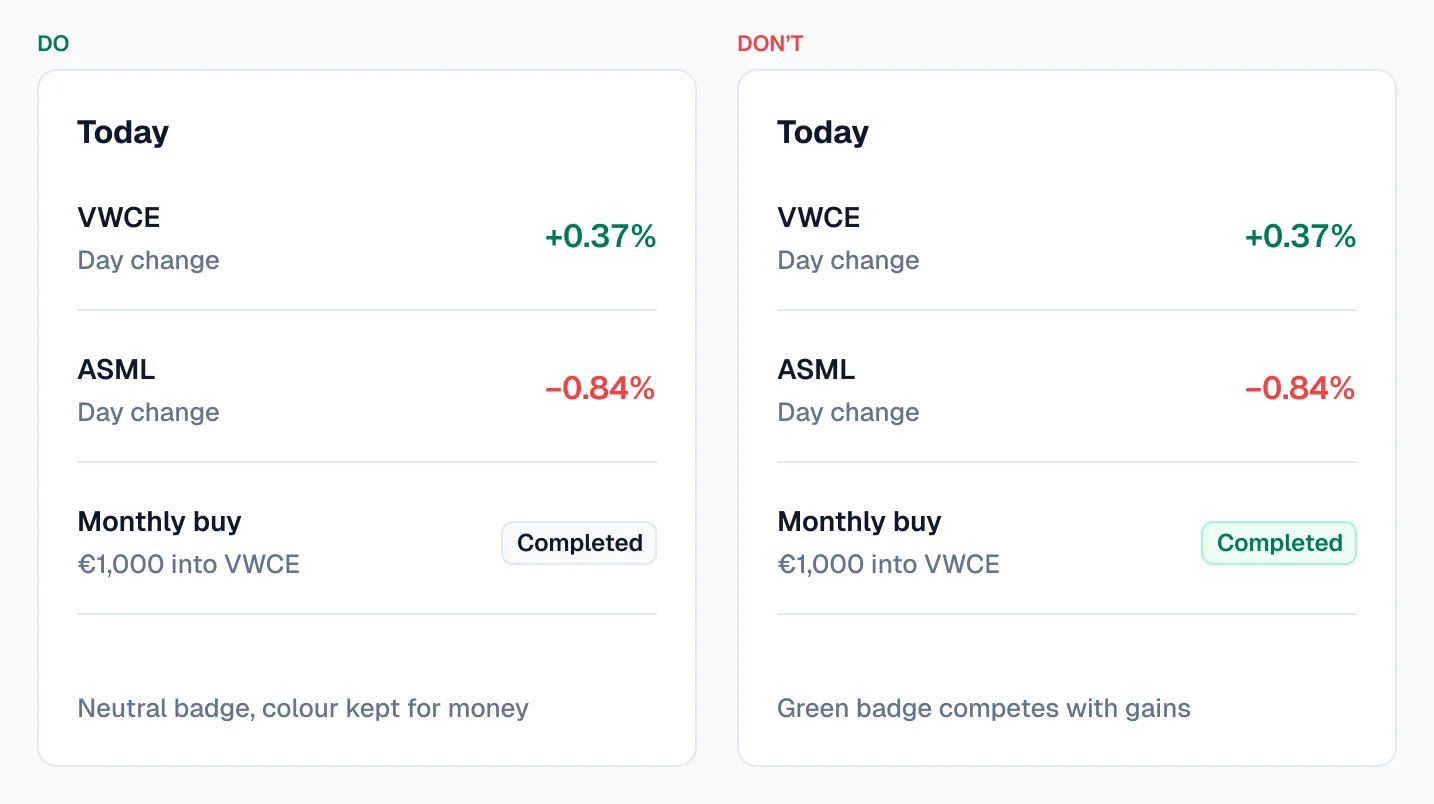
The hardest ones to give up are “completed” badges and success messages. A green “Completed” badge next to a red −0.84% makes the user check twice which colour means what. A neutral badge with a tick and the word does the same job without borrowing the meaning of money.
Never colour alone
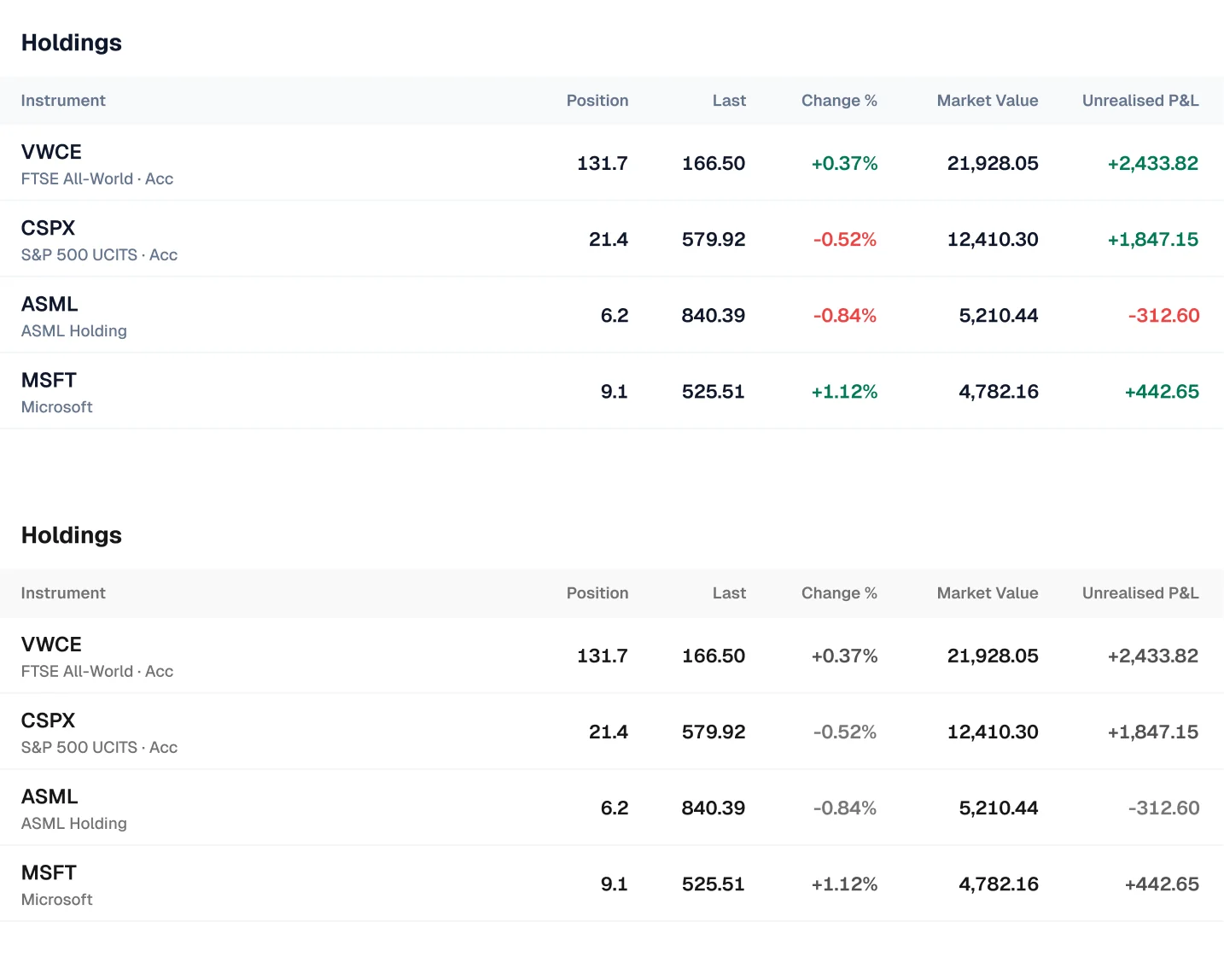
Red-green colour vision deficiency affects about 1 in 12 men and 1 in 200 women. For them, a green +0.37% and a red −0.84% can look the same. WCAG puts it plainly: colour must not be the only visual means of conveying information.
- Give every change a sign. +€2,433.82 and −€312.60, never a coloured 312.60 on its own. Use a real minus sign (−), not a hyphen, so it’s as visible as the plus.
- Add a word or an arrow where space allows. “Up 0.37% today” in a sentence, or a small arrow in a dense table.
- Check the contrast of both colours as text. Small text needs a contrast ratio of at least 4.5:1 against its background. Bright greens and reds often fail on white, so the text shade is usually darker than the one you’d pick for a chart line.
- Test in greyscale. If you can still tell gains from losses with the colour turned off, the screen works for everyone.
Candles get their own colours
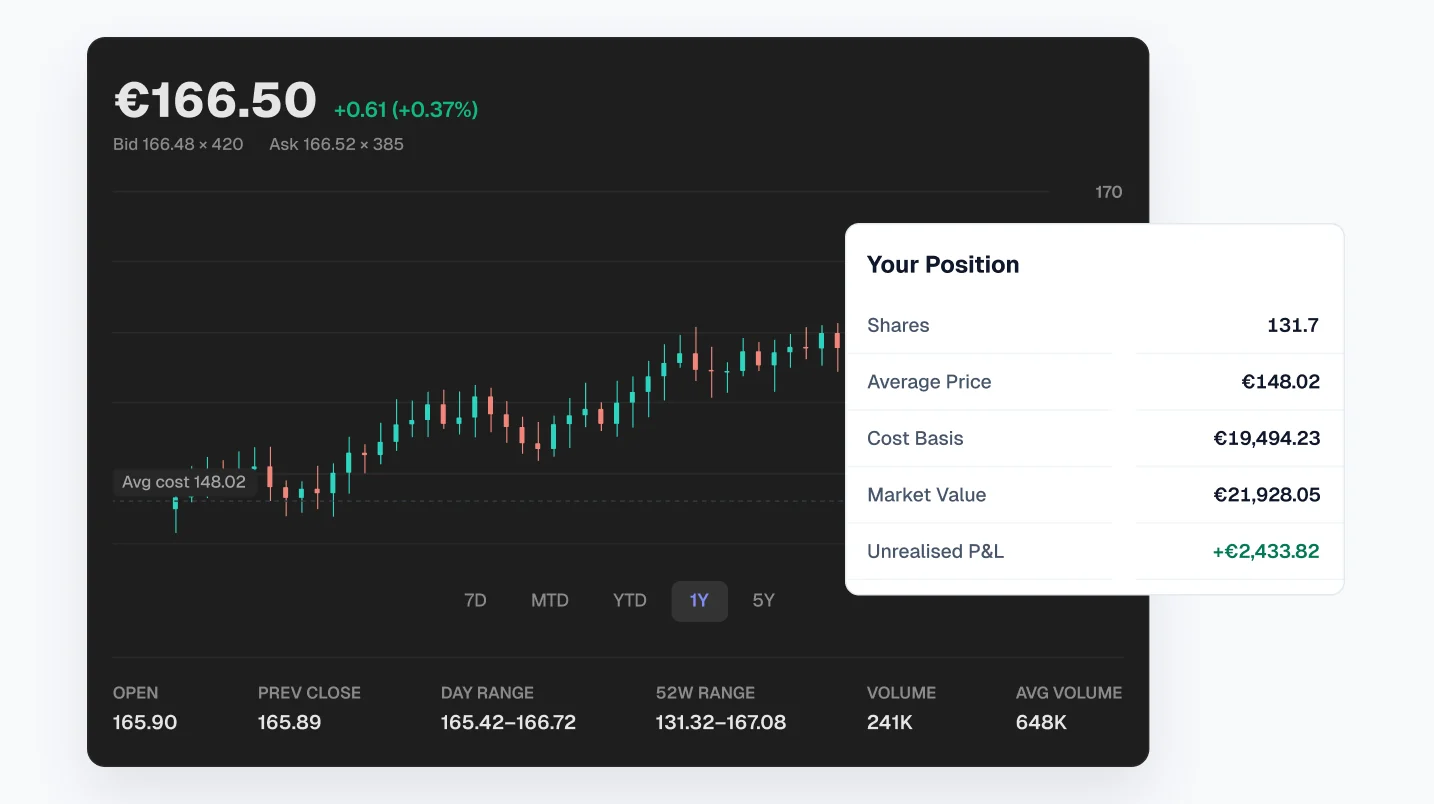
A candlestick shows how a price moved in one period, not whether the user made money. A red candle on a stock you bought cheaply is still a profit. If candles use the same green and red as P&L, the chart and the numbers beside it argue with each other.
Give candles their own pair, such as teal for rising and brick for falling. They still read as up and down at a glance, but they’re clearly not the colours of the user’s own gains and losses.
Red for actions you can’t undo
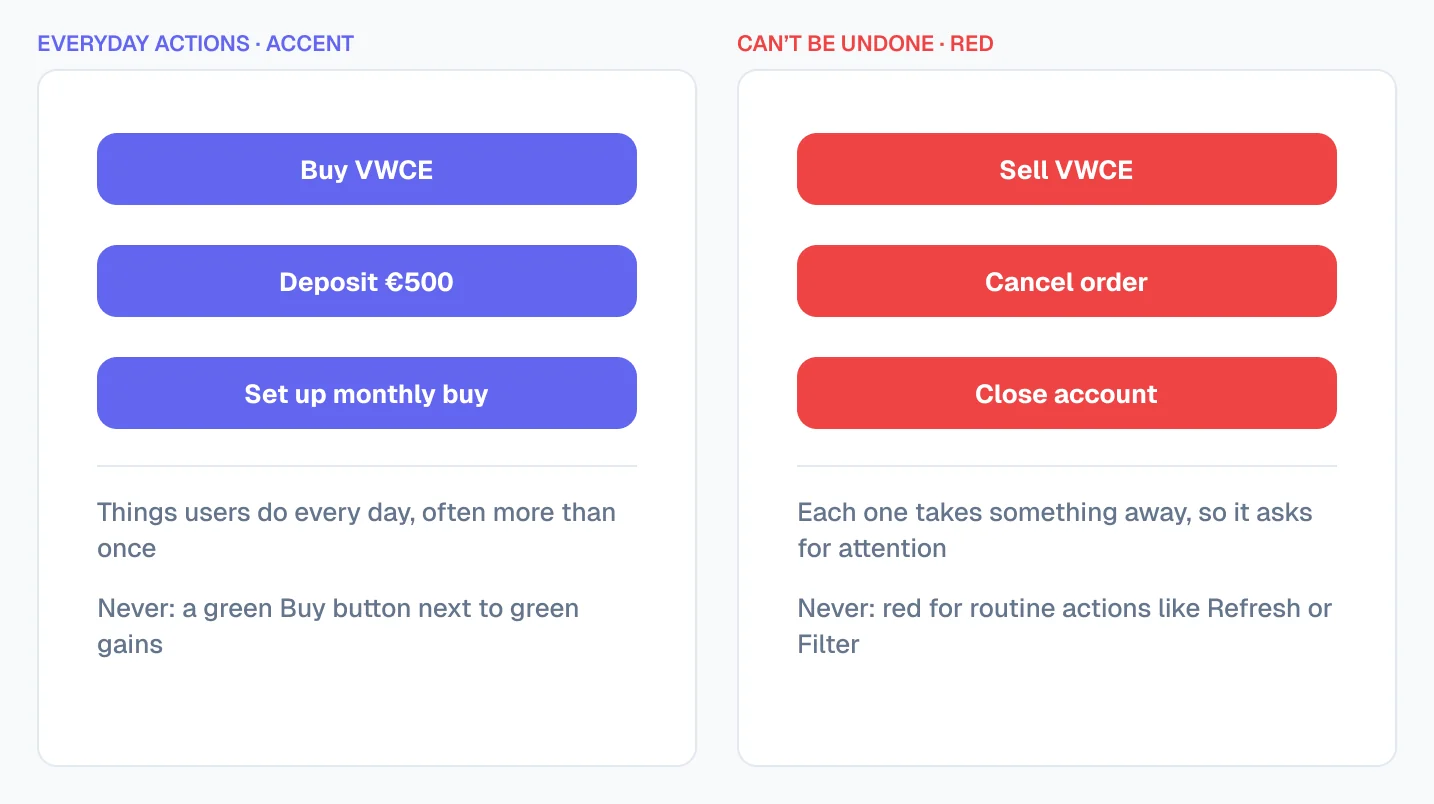
Red has one job outside P&L: warning that an action can’t be undone. Sell, close position, cancel order and delete account can all use a red button. That’s consistent with what red already means: something is about to be taken away. Buy and other everyday actions use your accent colour, never green, so a green button is never mistaken for a gain.
Dark mode needs its own values
The green that reads well on white often looks neon or muddy on a dark background. Set gain and loss colours as variables with a separate value per mode, then check both for contrast. In practice the dark-mode green is usually lighter and slightly less saturated than the light-mode one.
Some markets swap the colours
In China, Taiwan and Japan, red means a rising price and green a falling one. If your product serves those markets, don’t hard-code the colours. Name your tokens by meaning, such as “positive” and “negative”, not “green” and “red”, and let the user or region choose which colour each one gets.
Free Figma file with the colour roles set up
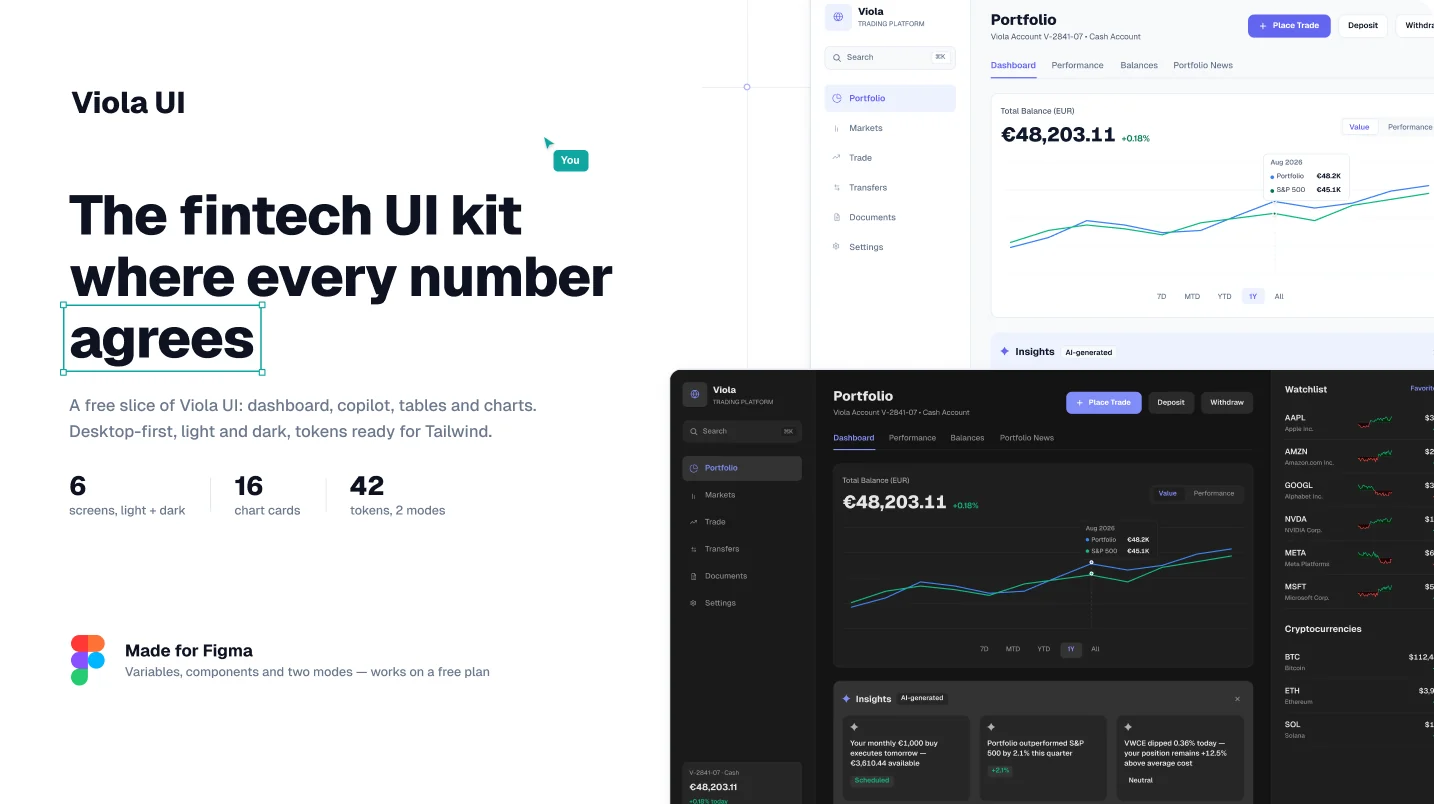
Viola UI’s free Fintech Dashboard Kit is built around these colour roles, so you can see them working on real screens, or start your own product from it.
- 42 colour tokens in Light and Dark modes, including separate positive, negative and candle colours
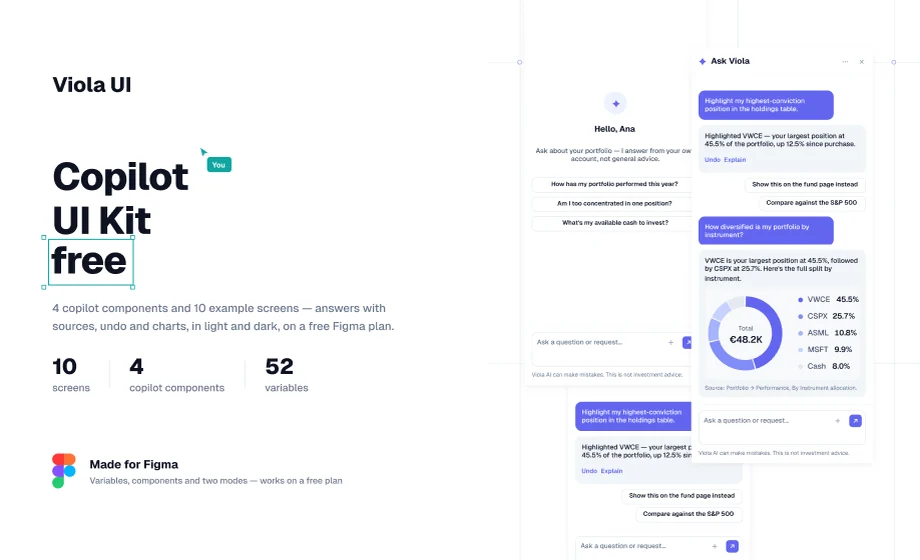
- A portfolio dashboard and 5 AI copilot screens, each in light and dark
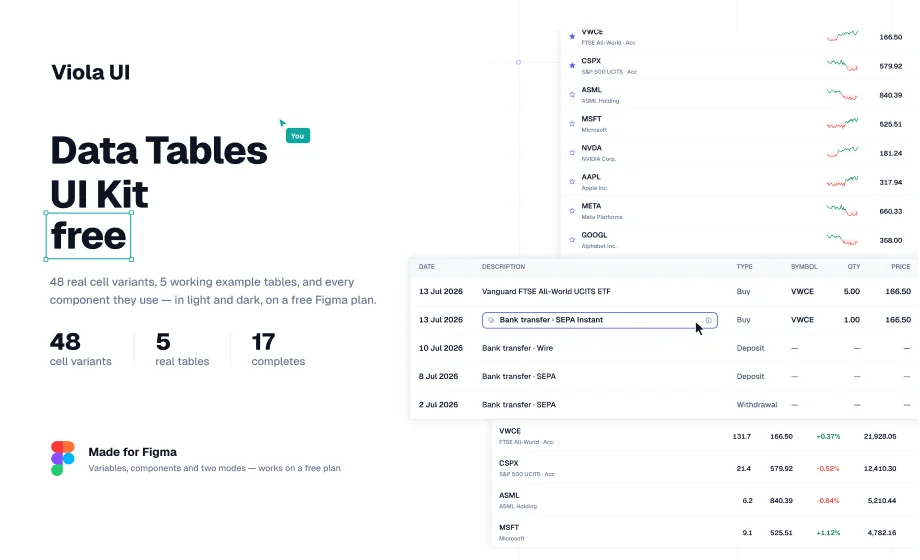
- 5 tables built from real table cells, with signed changes and P&L
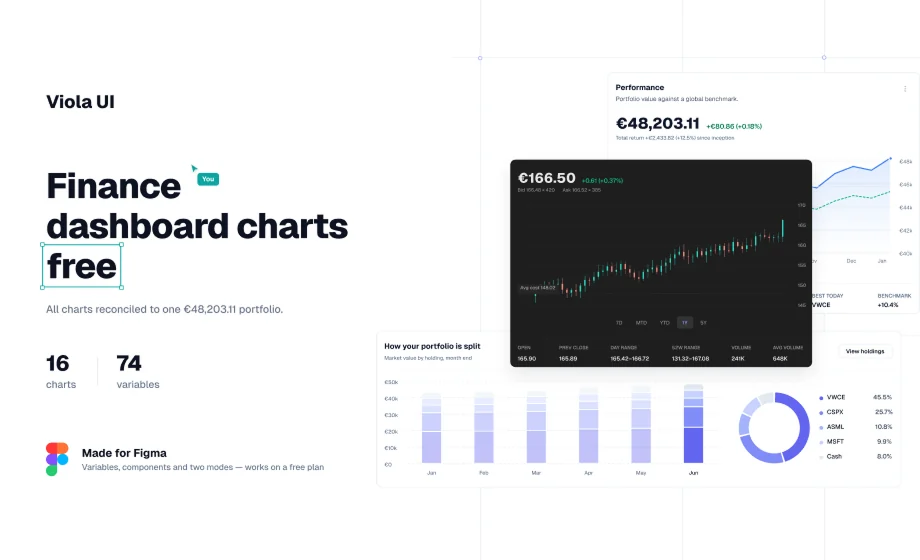
- 16 chart cards, all drawn from the same portfolio
- 23 text styles, with tabular figures for every amount
Free for personal and commercial projects. Get the free Fintech Dashboard Kit on Figma Community
Checklist
- Green and red appear only on gains, losses and price direction
- Every change has a sign, with a real minus (−)
- Candles use their own pair of colours
- Buy and other everyday actions use the accent colour
- Red buttons are kept for actions that can’t be undone
- Status badges and success messages are neutral, with an icon and a word
- Gain and loss text passes 4.5:1 contrast in light and dark
- Tokens are named by meaning (positive, negative), not by colour
- The screen still makes sense in greyscale
FAQ
Should buy buttons be green?
No. A green button next to green gains makes both harder to read. Use your accent colour for buy, and red for sell or close only because they take something away.
Can I use green for success messages?
You can, but in a finance product it competes with gains. A neutral message with a tick and the word “Sent” or “Done” is clearer.
Why do some trading apps show red for rising prices?
In China, Taiwan and Japan, red is the convention for a rising price. Products serving those markets should let the colours swap.
What contrast do gain and loss colours need?
At least 4.5:1 for normal-size text, in both light and dark mode, and always with a sign so colour isn’t the only signal.
Need the whole product?
The full Viola UI kit applies these colour roles across 45 desktop screens in light and dark: portfolio, markets, trading, transfers, fund research, documents and settings. $49 for one designer, $179 for your whole company.
Sources
- Colour vision deficiency (colour blindness), nidirect
- Understanding Success Criterion 1.4.1: Use of Color, W3C
- G18: Ensuring a contrast ratio of at least 4.5:1, W3C
- Did you know? You don’t want to be in the green if you’re trading in China, Japan or Taiwan, Benzinga

WRITTEN BY
Kseniya Savitsyna
Product designer working on fintech & AI products, and the designer behind Viola UI.